
Masquerade is a Drupal module that allows administrators to easily and temporarily view the screen as another user. Its not a perfect module, and sometimes it gets confused about WHO is actually logged in ... and that causes some problems. Its essential that you enter and then exit masquerade, as if you leave it on and then try to fill out a form ...well, who knows what might happen.
It is strongly recommended that you use Masquerade in a different browser from your primary one. That way you can just close the window and get back to work!
The easiest way to use Masquerade is to start in CiviCRM. Find the contact you want to Masquerade as and head for the lower-right area of the Contact Summary screen. There you will see the label "ID Contact/ User" and (hopefully) two numbers in the format of "3588/892". If there is no number after the slash (the user id), then that contact doesn't have a user account - and you can't use Masquerade.
To continue, click the user id:
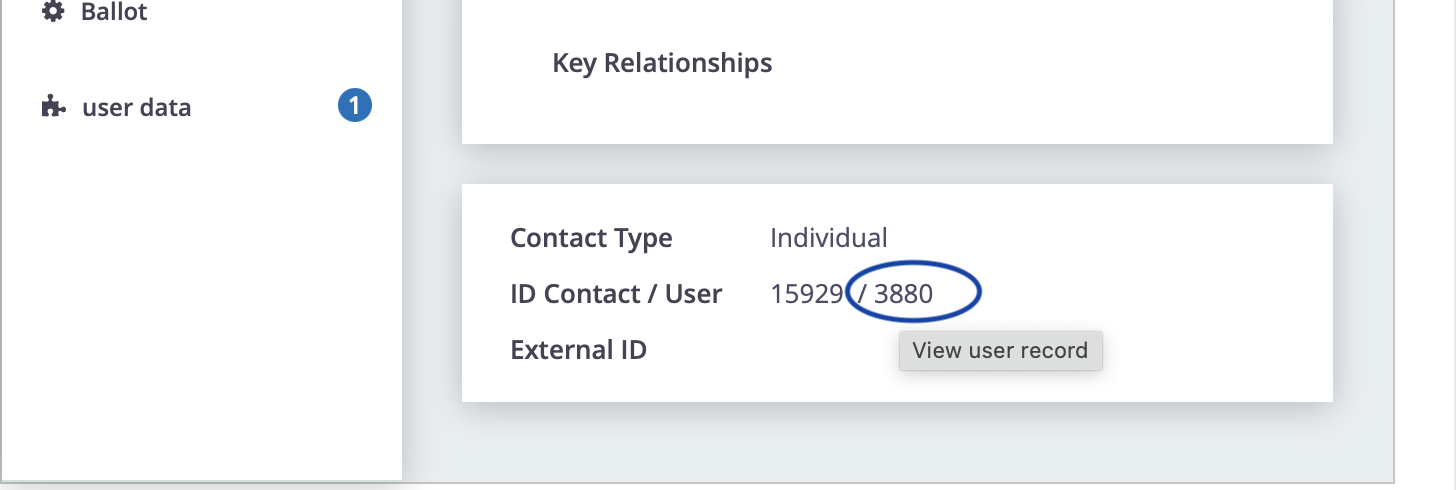
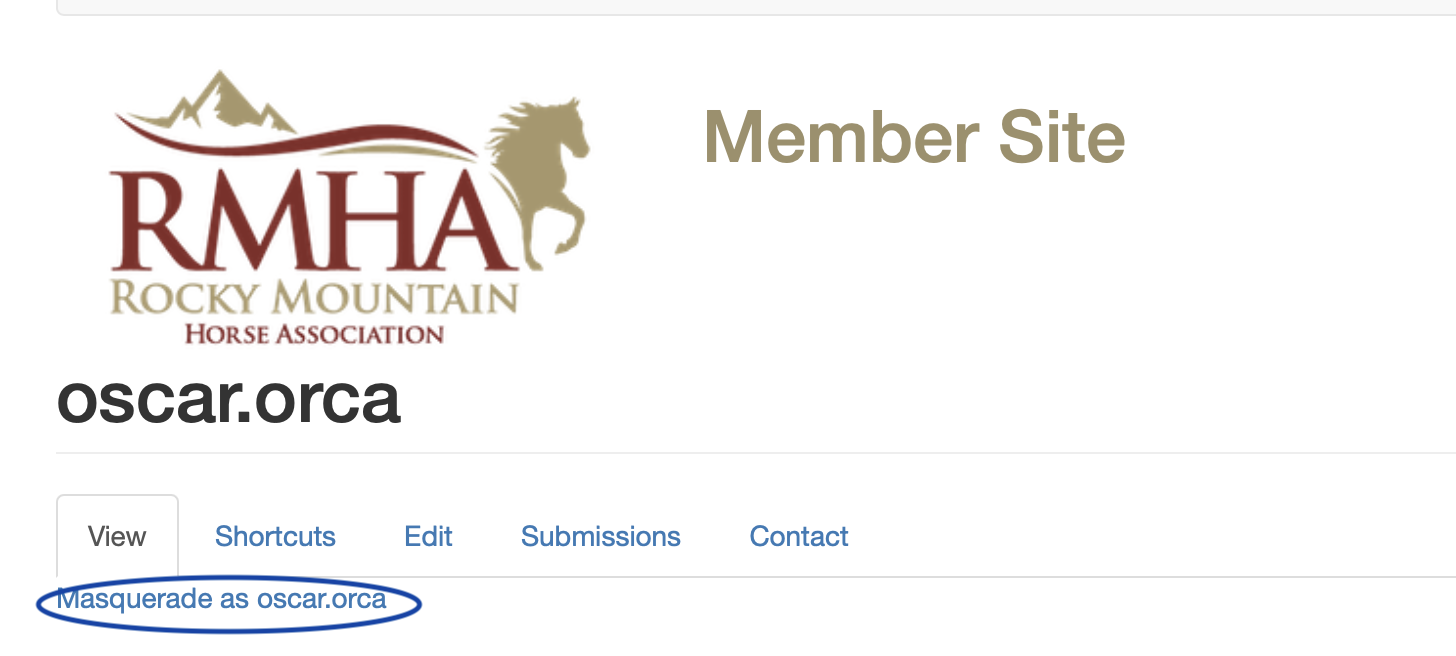
The click will take you from CiviCRM to the User screen in Drupal. Just click the big "Masquerade as ..." link and you're good to go!
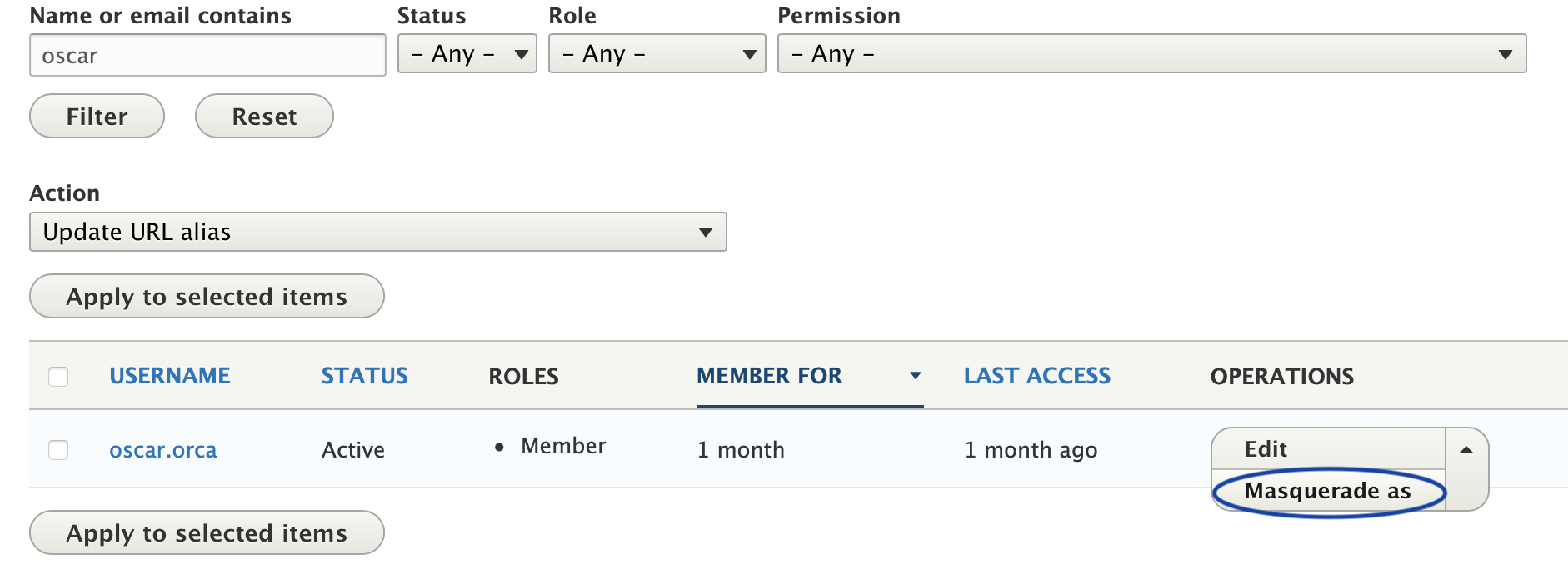
You can also access Masquerade from the User listing. In Drupal, go to Manage->People and then you can use the filters to find the user you're looking for. Then point at the drop-down menu on the right side of the screen and select ...
- Log in to post comments